Meeting Transcription Software With AI Summaries and Action Items
Meeting transcription software records or processes a permitted meeting, creates searchable speech-to-text with speakers and timestamps, then helps turn the conversation into a summary, decisions, and follow-up work. The right choice depends on your capture method, language needs, participant notice, integrations, review burden, and whether the team needs a plain transcript or a reusable knowledge record.
Direct answer: The best meeting transcription software for a team is the product that reliably captures authorized conversations, produces a reviewable transcript, and moves decisions into usable summaries and action items. Compare capture method, speakers, languages, privacy controls, exports, integrations, pricing limits, and whether answers can link back to the source before committing.
This comparison is based on official product pages and publicly observable search results checked on July 17, 2026. Pricing, free-plan limits, integrations, supported languages, and capture options change, so verify live product and pricing pages before purchasing.
Meeting transcription software: quick answer
Start with HiNoter when your team needs meetings, videos, PDFs, audio, and transcripts converted into structured knowledge. Consider Tactiq for bot-free browser meeting notes, Otter for live transcription, Notta for broad transcription workflows, Fireflies or Read AI for meeting intelligence, Avoma for sales workflows, and Granola for personal note-taking. Test the final shortlist against your actual permissions and follow-up process.
Methodology: how we evaluated meeting transcription software
Comparison pages are only useful when the criteria are visible. Many meeting transcription software products sound similar because they all mention speech-to-text, AI summaries, and action items. The more important question is whether they help your team move from an authorized conversation to accountable follow-through without creating another isolated transcript archive.
We evaluated every product against ten practical criteria: capture method, transcript controls, speaker labels and timestamps, summary usefulness, action-item structure, integrations, language coverage, privacy and permissions, exports and retention, and AI Chat or searchable knowledge. We also considered whether the tool is mainly a recorder, a transcription service, a sales-intelligence platform, a personal note tool, or a broader meeting knowledge base.
Official pages were used as the primary source for product positioning. This article does not claim exhaustive benchmarking, transcript accuracy scores, or exact pricing because those require controlled testing and current plan data. Treat the table as a buying shortlist, then test two or three tools with the same real meeting.
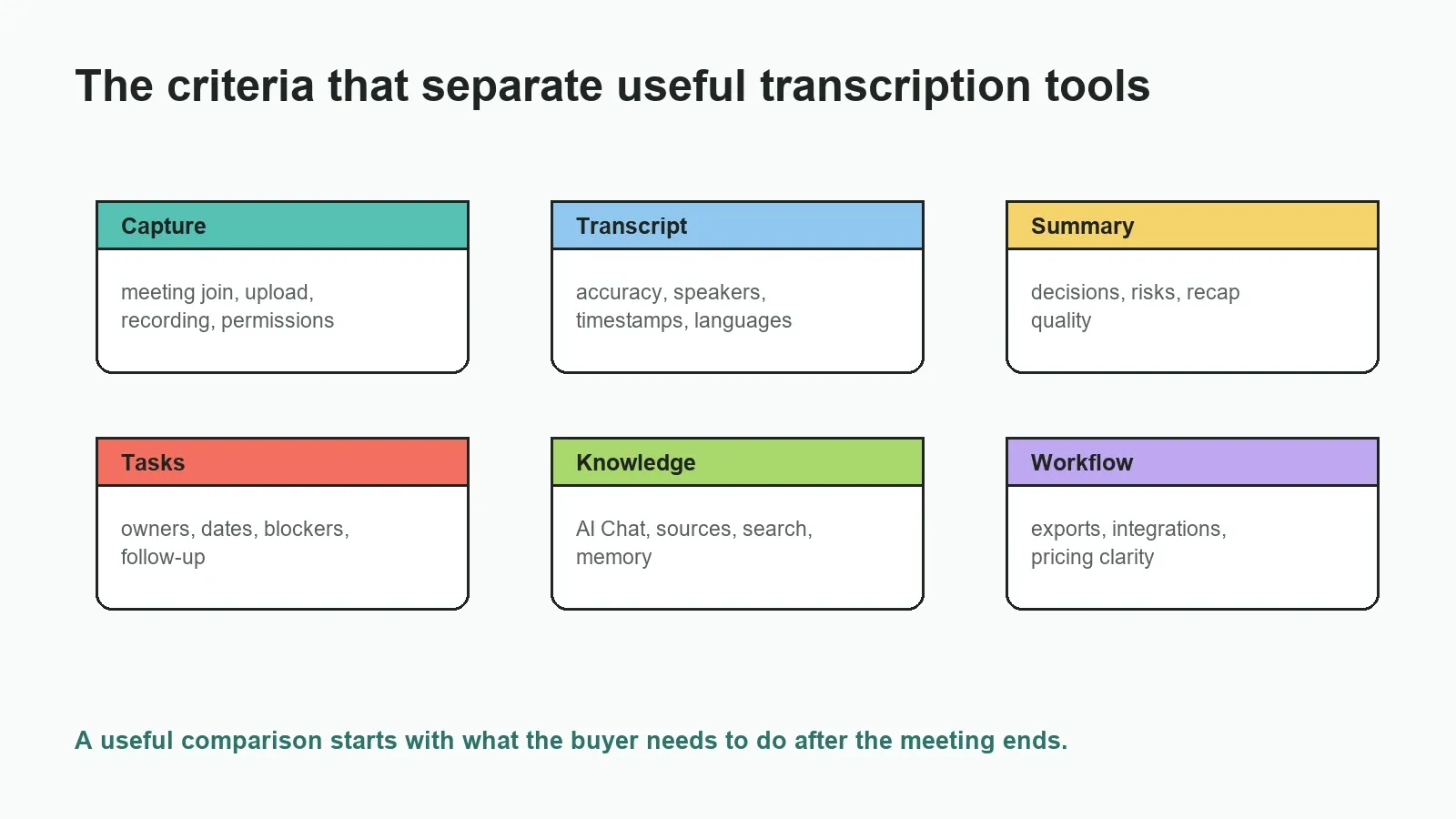
Quick recommendation table, updated July 2026
| Tool | Best fit | Primary strength | Watch before choosing |
|---|---|---|---|
| HiNoter | Meeting knowledge from meetings, audio, video, PDFs, and transcripts | Structured notes, action items, mind maps, 50+ languages, integrations, source-linked AI Chat | Review important outputs against the source before acting |
| Tactiq | Bot-free browser meeting notes | Transcripts, summaries, action items, and workflow integrations | Check fit for non-browser sources and broader knowledge workflows |
| Otter.ai | Live transcription and searchable meeting records | Real-time transcripts, summaries, AI Chat, and meeting assistant workflow | Confirm language, export, admin, and plan limits |
| Fireflies.ai | Meeting intelligence and collaboration | Transcription, summaries, action items, analytics, and integrations | Evaluate bot behavior, privacy, and analytics needs |
| Read AI | Meeting reports and productivity analytics | Recaps, analytics, and cross-meeting signals | Align team expectations around measurement and visibility |
| Notta | Transcription across meetings, audio, video, and languages | Transcription coverage, language support, summaries, exports | Check which AI notes and export features are in your plan |
| SummaryAI | Quick summaries from long content | Summary-first workflow | Confirm live meeting, integrations, and source-linked chat needs |
| Fathom | Fast meeting recaps and highlights | Recording, transcript, highlights, and follow-up summaries | Check team knowledge, admin, and platform requirements |
| tl;dv | Async meeting recording and clips | Recorded meetings, transcripts, searchable moments, collaboration | Evaluate task tracking and cross-source knowledge needs |
| MeetGeek | Automated meeting notes and insights | Meeting summaries, highlights, action items, integrations | Review assistant behavior, plan limits, and admin fit |
| Avoma | Sales and customer-facing teams | Conversation intelligence, coaching, call notes, CRM workflows | May be more specialized than general note-taking tools |
| Granola | Lightweight personal meeting notes | Personal AI-enhanced notes without a heavy meeting-bot workflow | Check team sharing, admin controls, and enterprise needs |
Use HiNoter as an AI meeting assistant if your team wants meetings and source files turned into structured notes rather than another transcript folder.
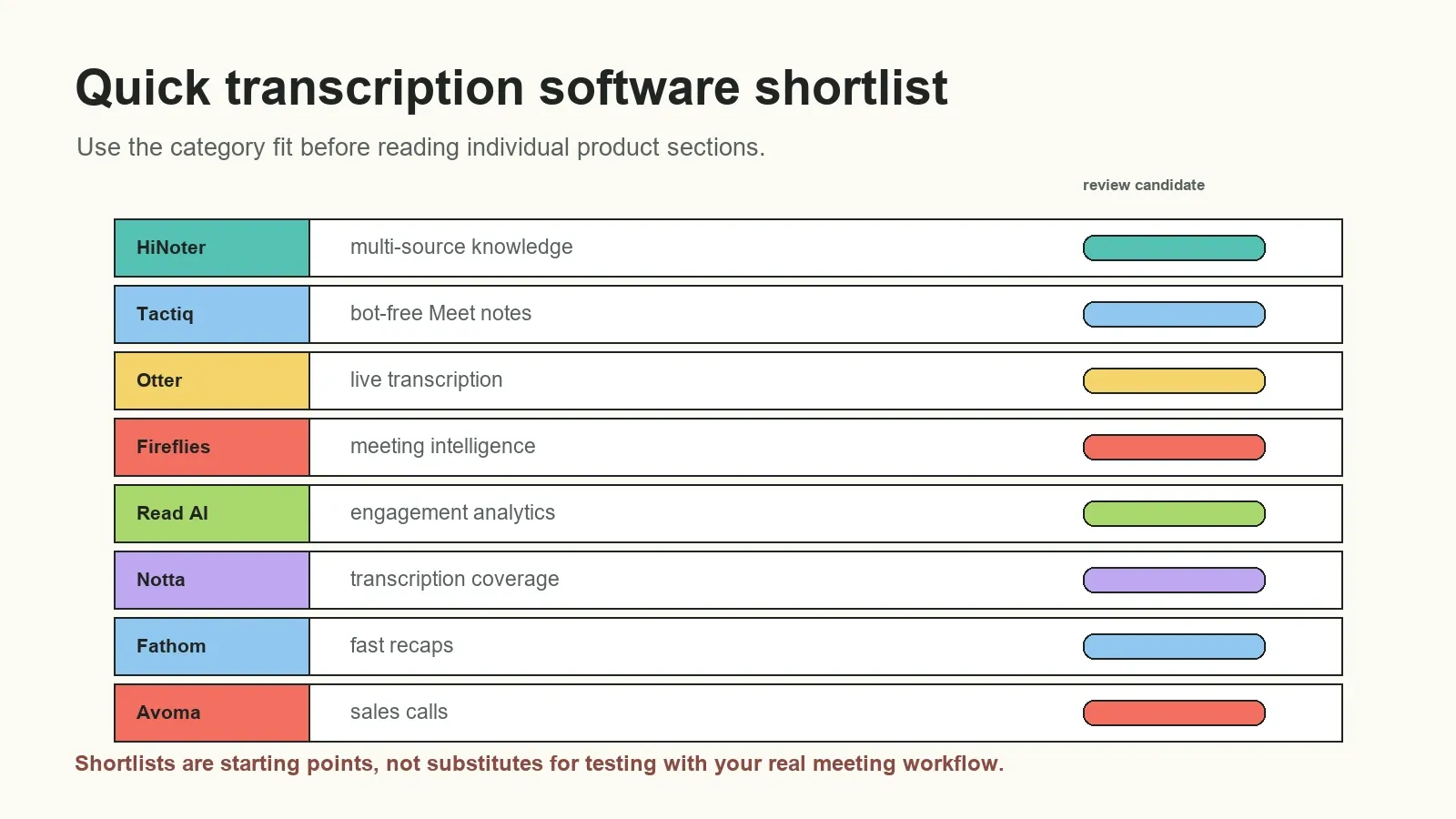
Decision matrix: inputs, integrations, and source-aware answers
The recommendation table is intentionally not a feature score. A colored comparison grid can hide the details that make adoption succeed or fail: whether a tool can capture the source your team already uses, whether its output reaches the systems that own the work, and whether a recap can be checked against the original conversation. “Supported” also has different meanings: a live meeting bot, a browser extension, a connected calendar, an imported platform transcript, and an uploaded file are not interchangeable workflows.
| Tool | Best-fit input | Workflow emphasis | Integration question | Source-aware answer question |
|---|---|---|---|---|
| HiNoter | Meetings, audio, video, PDFs, and permitted content | Structured knowledge: transcript, summary, tasks, mind map | Can approved outputs reach the team's collaboration tools? | Can the answer point back to its transcript or document context? |
| Tactiq | Browser-based online meetings | Transcript-led notes and summaries | Does the browser-first workflow fit every participant? | Is transcript search sufficient for your review process? |
| Otter.ai | Live conversations and meeting history | Real-time transcription, recap, search | Do its meeting and sharing flows match your stack? | Can your users validate an answer against meeting context? |
| Fireflies.ai | Online meetings and recorded conversations | Transcription, collaboration, analytics | Which meeting, CRM, and workspace connections matter? | Are transcript and summary links clear enough for reviewers? |
| Read AI | Meetings and meeting reports | Recaps, analytics, productivity signals | Does the measurement model fit team norms? | Can a report be traced back to the observed call? |
| Notta | Meetings, audio, and video transcription | Transcription coverage, languages, exports | Which export or workspace route is required? | Does the plan provide the retrieval workflow you need? |
| Avoma | Sales and customer conversations | Conversation intelligence and CRM workflow | Does it map cleanly to your revenue systems? | Can a manager inspect the underlying call for key claims? |
For every vendor, confirm the answer on the current official product and plan documentation rather than treating this matrix as a permanent product specification. The table describes selection questions, not an assertion that every feature is available in every plan, market, or platform configuration.
What the rankings do and do not mean
This is not a “winner takes all” ranking. The products are grouped in a practical shortlist because each represents a recognizable workflow. That is why HiNoter appears for cross-source knowledge, Tactiq for a browser-led, bot-free angle, Otter for live conversation transcription, Notta for transcription coverage, Fireflies and Read AI for meeting intelligence, Avoma for sales, and Granola for individual note-taking. A product can be excellent inside its intended workflow and still be the wrong choice for another team.
We did not publish a universal transcription-accuracy score. Fair accuracy testing requires the same source audio, matching language and accent conditions, identical speaker overlap, a defined ground-truth transcript, and a published scoring method. Marketing claims and review scores are not substitutes for that process. Instead, the practical recommendation is to run a pilot with recordings your organization is permitted to use, then measure edits required for names, speaker attribution, figures, jargon, decisions, and due dates.
Search results checked on July 17 showed product pages, paid listings, third-party roundups, and community discussions rather than one authoritative specification. Community threads can surface concerns such as visible bots, free limits, or upload friction, but they represent individual experiences rather than verified product facts. For example, this Reddit discussion about meeting transcription apps is useful for discovering evaluation questions, not for proving a tool's features or accuracy.
Product-by-product review
1. HiNoter
Best for: Teams that want meetings, audio, video, PDFs, and transcripts converted into structured knowledge.
Strengths: Multi-source input, summaries, action items, mind maps, 50+ languages, integrations, source-linked AI Chat.
Watch out for: As with any AI notes workflow, teams should review critical decisions, dates, and owners against the source.
Pricing note: Check live HiNoter plan limits and free-access details.
2. Tactiq
Best for: Google Meet and browser-based meeting notes without adding a traditional meeting bot.
Strengths: Strong transcript-first workflow, meeting summaries, action items, and popular tool integrations.
Watch out for: Best fit depends on browser/platform workflow and whether the team wants bot-free capture or broader file knowledge.
Pricing note: Free and paid plan signals; check live limits.
3. Otter.ai
Best for: Live meeting transcription, searchable conversation history, and meeting recap workflows.
Strengths: Known for real-time transcription, summaries, AI Chat, and meeting assistant use cases.
Watch out for: Teams should check plan limits, language needs, export requirements, and admin controls.
Pricing note: Free and paid plans; check live pricing.
4. Fireflies.ai
Best for: Teams that want meeting transcription plus collaboration, analytics, and action-item workflows.
Strengths: Broad meeting assistant positioning, searchable transcripts, summaries, integrations, and conversational intelligence features.
Watch out for: Evaluate bot behavior, data governance, and whether analytics are useful for your team.
Pricing note: Free trial/free plan signals and paid tiers; check live pricing.
5. Read AI
Best for: Teams that value meeting reports, engagement signals, and productivity analytics around calls.
Strengths: Meeting summaries, recaps, analytics, and cross-meeting insight positioning.
Watch out for: Analytics-heavy workflows may require team alignment on what is measured and how insights are used.
Pricing note: Free and paid plan signals; check current pricing.
6. Notta
Best for: Users who need transcription across meetings, audio files, video files, and multiple languages.
Strengths: Strong transcription and language coverage, summaries, exports, and cross-platform meeting support.
Watch out for: Confirm which AI notes, exports, languages, and file limits are included in the plan you use.
Pricing note: Free and paid plan signals; verify live details.
7. SummaryAI
Best for: Users who primarily want quick summaries from content rather than a full meeting-operations system.
Strengths: Summary-focused positioning and a straightforward value proposition for digesting long content.
Watch out for: Check whether your workflow needs live meeting capture, team integrations, or source-linked chat.
Pricing note: Check the live plan and limits.
8. Fathom
Best for: Fast meeting recording, highlights, transcripts, and follow-up summaries for individual and team use.
Strengths: Simple meeting assistant workflow, summaries, highlights, and sharing features.
Watch out for: Compare platform support, admin controls, and knowledge retrieval needs before choosing it for a team.
Pricing note: Free and paid team plan signals; check live pricing.
9. tl;dv
Best for: Teams that want recorded meetings, clips, transcripts, and async sharing.
Strengths: Meeting recording, summaries, searchable meeting moments, and collaboration features.
Watch out for: Evaluate whether your team needs deeper action tracking or cross-source knowledge beyond meetings.
Pricing note: Free and paid plan signals; check current limits.
10. MeetGeek
Best for: Teams that want automated meeting notes, transcripts, highlights, and integrations.
Strengths: Meeting capture, AI summaries, action items, meeting insights, and workflow integrations.
Watch out for: Review plan limits, supported platforms, and how the assistant appears to meeting participants.
Pricing note: Free trial/free plan signals and paid tiers; verify live pricing.
11. Avoma
Best for: Sales and customer-facing teams that need conversation intelligence and coaching.
Strengths: Call recording, transcription, notes, deal intelligence, coaching, and CRM-oriented workflows.
Watch out for: May be more specialized than a general AI note taker for non-sales teams.
Pricing note: Paid commercial model with plan details; check live pricing.
12. Granola
Best for: Individuals who want lightweight AI meeting notes without a visible bot in every meeting.
Strengths: Personal note-taking workflow, AI-enhanced notes, and simple meeting documentation.
Watch out for: Check fit for team administration, integrations, shared knowledge, and enterprise controls.
Pricing note: Free/trial and paid signals may change; check live pricing.
Use-case matrix: which tool fits which team?
There is no single best meeting transcription software product for every team. A sales organization evaluating call coaching has different needs from a product team trying to preserve roadmap decisions, a student transcribing lectures, or an operations team turning recurring meetings into searchable knowledge.
| Use case | Shortlist | Why these tools fit | What to test |
|---|---|---|---|
| Team knowledge base | HiNoter, Fireflies, Read AI | They emphasize searchable meeting knowledge, summaries, and cross-meeting retrieval | Source references, team access, integrations, history |
| Bot-free Google Meet notes | Tactiq, Granola | They are positioned around lightweight or browser/personal note-taking flows | Platform fit, capture reliability, sharing |
| Live meeting transcription | Otter.ai, Notta, Fireflies | They have strong transcription-first positioning | Language, speaker labels, timestamps, exports |
| Sales and customer calls | Avoma, Fireflies, Read AI, HiNoter | They can support objections, follow-ups, recaps, and account context | CRM workflow, coaching needs, source review |
| Multilingual meetings | HiNoter, Notta, Tactiq | They emphasize broad language coverage or multilingual workflows | Real accents, domain terms, translated summaries |
| Meeting clips and async sharing | tl;dv, Fathom, MeetGeek | They are strong candidates for recording, highlights, recaps, and sharing | Clip workflow, permissions, storage, exports |
| Mixed sources: meetings, audio, video, PDFs | HiNoter, Notta, SummaryAI | They are relevant when content is not limited to live meetings | PDF support, video notes, upload limits, AI Chat |
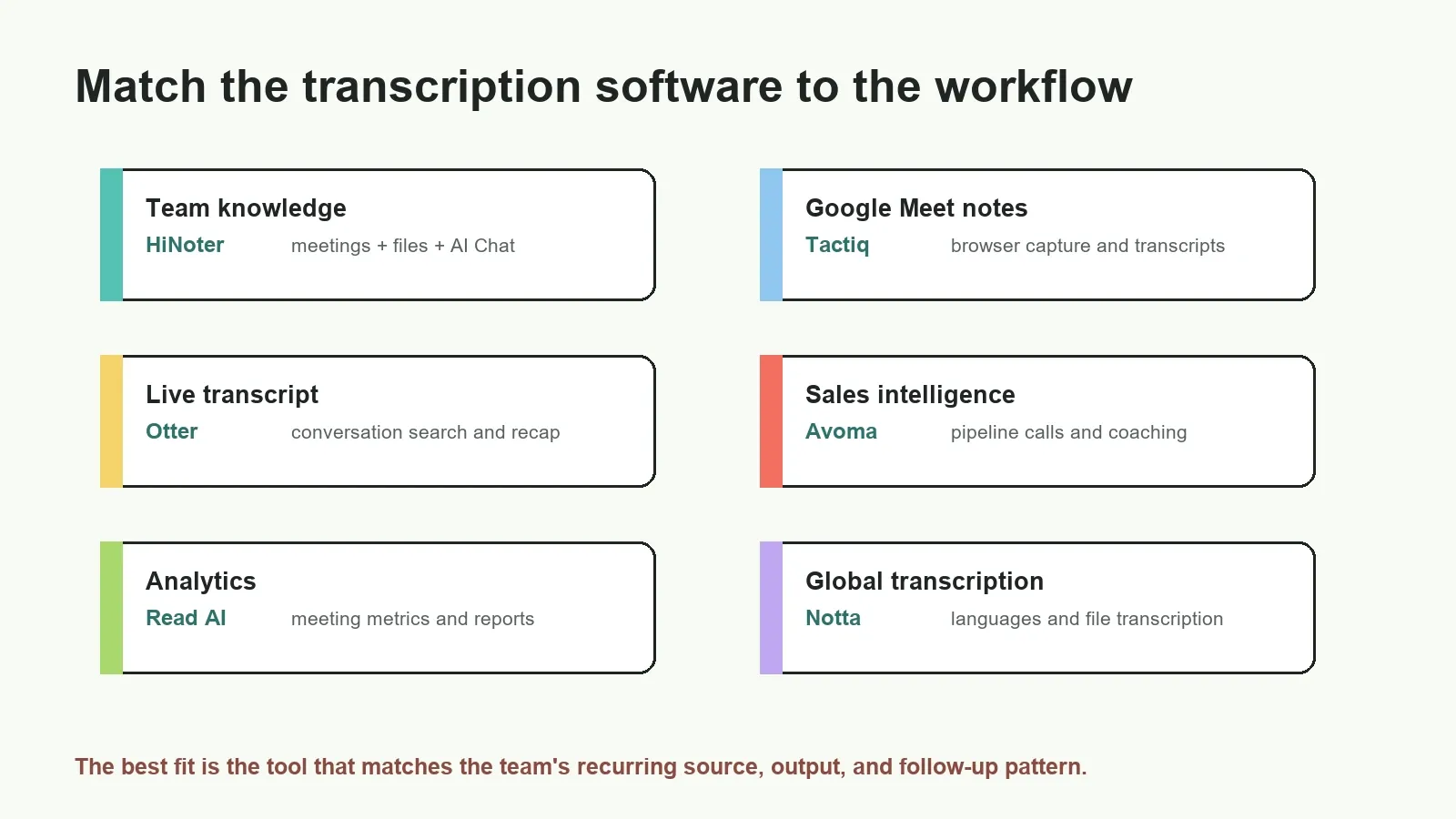
Pricing and limitation notes
Pricing clarity matters because many buyers begin with a free AI meeting assistant search and later discover that the real workflow depends on paid limits. Free access can be useful for testing, but the decision should include meeting minutes, recordings, upload size, seats, history, exports, integrations, AI Chat, languages, admin controls, and retention.
Do not compare tools only by whether they have a free plan. Compare the point at which your actual team workflow becomes constrained. A single user may care about minutes and summaries. A team may care more about permission controls, integration sync, private knowledge access, and whether source-linked answers remain available after the meeting.
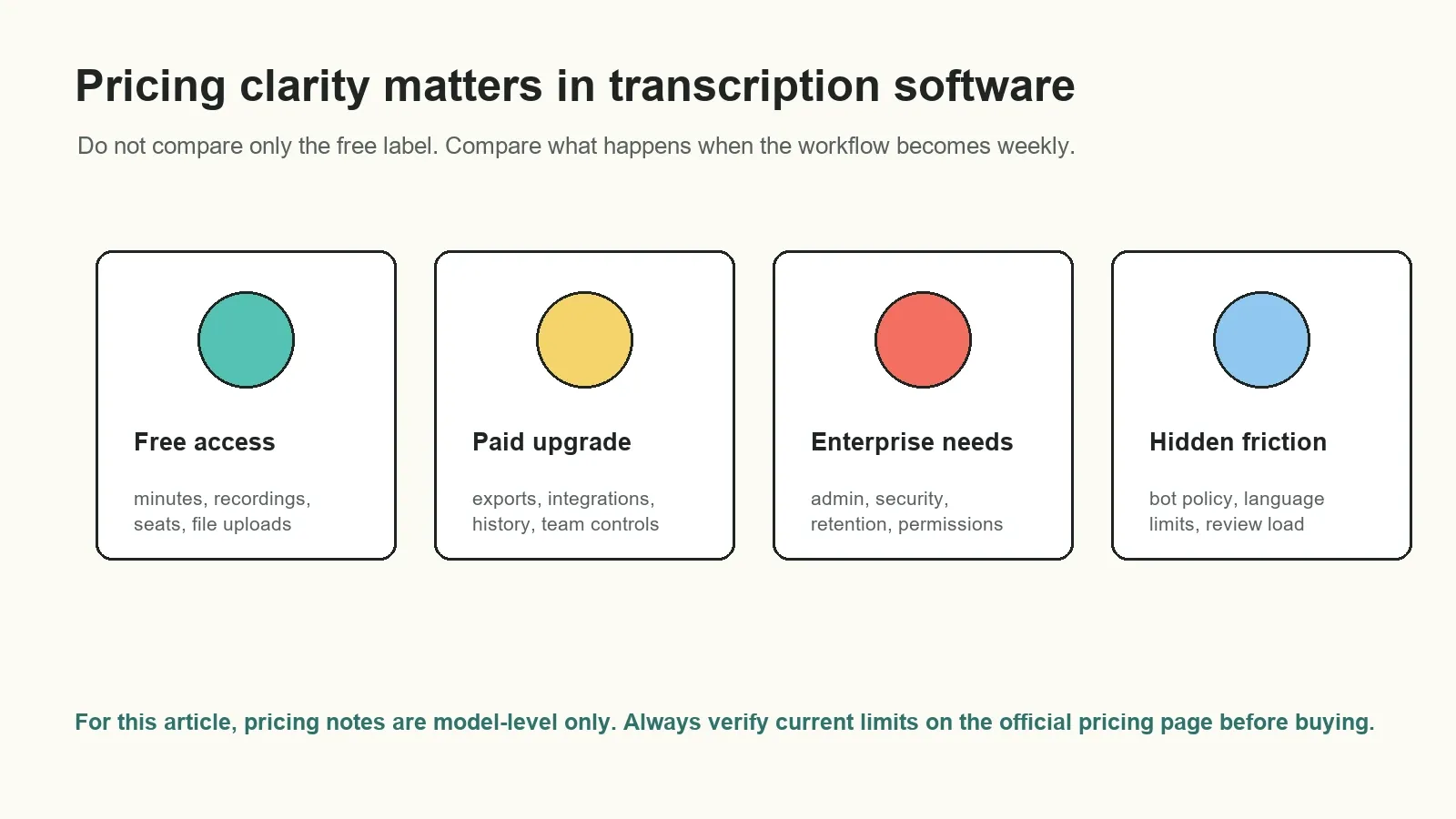
How to test an AI meeting assistant before buying
- Use the same meeting source. Test two or three tools with the same authorized meeting, recording, or transcript.
- Check the transcript. Review names, numbers, speaker labels, timestamps, accents, and technical terms.
- Score the summary. Ask whether the recap captures final decisions, open questions, risks, and context without inventing certainty.
- Inspect action items. Confirm task, owner, due date, dependency, and source context.
- Ask follow-up questions. Test whether AI Chat can answer with source references, not just generic prose.
- Try the export path. Send the approved record to the document, chat, email, CRM, or project workflow where the team actually works.
- Review privacy and governance. Confirm consent, bot behavior, retention, access controls, admin settings, and sensitive-data workflow.
Privacy, consent, and meeting bot checks
Meeting transcription software changes the information flow of a call. Before enabling calendar auto-join, recording, browser capture, or uploads, identify who can authorize capture, how participants are informed, where the file and transcript are stored, who can search the output, and when the data is deleted. A visible bot, a native transcript, and a local upload can each create different notice and governance expectations. Your organization's policies, the meeting platform's controls, contracts, sector rules, and local law all matter.
Product research should separate two questions. First, can the software capture the meeting on this account and platform? Second, should the team capture and share it under the present rules? Google Meet, Zoom, and Microsoft Teams document their own recording and transcription controls; administrators may limit availability. Refer to the platform's current guidance, including Google Meet transcripts, Microsoft Teams live transcription, and Zoom recording and transcript support.
If a meeting cannot be captured by a bot or recorder, do not treat that as an obstacle to bypass. Use an approved native transcript export, an authorized recording supplied by the host, or a permitted upload after the meeting. The downstream summary, action-item extraction, and knowledge workflow can still be useful once the source is legitimately available. For a general privacy program lens, see the FTC privacy and security guidance and the NIST Privacy Framework; neither is a substitute for legal advice tailored to your situation.
What a useful output should look like
A raw transcript answers “what was said?” A meeting recap should answer “what changed?” A reliable action item should answer “who will do what, by when, and why?” An AI knowledge layer should answer follow-up questions while letting the reader inspect the relevant source. These are related outputs, but they solve different parts of the workflow.
| Output | What it is | What to verify | Practical use |
|---|---|---|---|
| Transcript | Speaker-attributed speech-to-text, often with timestamps | Names, numbers, quotes, terminology, speaker labels | Search and quote the original conversation |
| Summary | A condensed description of the important discussion | Final decisions, uncertainty, risks, missing context | Send a recap that colleagues can scan |
| Action items | Tasks inferred or stated in the meeting | Owner, due date, dependency, status, source context | Turn a conversation into follow-through |
| AI Chat answer | A response generated from approved meeting and file sources | Whether it links or points back to the relevant evidence | Answer repeated questions without replaying a call |
Example review: “Decision: pilot the onboarding flow with the sales team.” Before sharing, check whether this was an actual decision or a proposal, identify the owner who accepted the task, confirm the date, and retain a transcript timestamp or source reference. This small review step is what prevents a fluent recap from becoming an authoritative but incorrect record.
Where HiNoter fits in the comparison
HiNoter is not positioned as only a transcript tool. It is an AI meeting notes and transcription platform for meetings, audio, video, PDFs, and transcripts. That makes it strongest when a team wants the whole path from capture to searchable knowledge: transcript, summary, decisions, action items, mind map, exports, and source-linked AI Chat.
Use HiNoter AI meeting notes for structured recaps, audio to text workflows for existing recordings, and multilingual support when language coverage matters. If your team wants to connect calendar-based meetings and keep follow-up work moving, start with HiNoter meeting assistant workflows.
Try HiNoter when you want a meeting assistant that turns calls and content into summaries, action items, mind maps, exports, and searchable answers with source context.
Frequently asked questions
What is meeting transcription software?
Meeting transcription software converts an authorized meeting or recording into searchable speech-to-text, often with speaker labels and timestamps. AI-enabled products may also generate summaries, decisions, action items, exports, and answers grounded in the original meeting source.
How should I compare meeting transcription software?
Compare capture method, transcript controls, speaker labels, timestamps, summary usefulness, action items, integrations, languages, privacy, exports, searchable knowledge, pricing clarity, and how easily the tool turns meetings into follow-up work.
How accurate is meeting transcription software?
Accuracy depends on audio quality, speaker overlap, accents, languages, names, technical vocabulary, and meeting context. Treat transcripts and summaries as useful drafts, then review important decisions, owners, due dates, and quotes against the source.
Does meeting transcription software need a bot in the meeting?
Some tools join meetings as a bot or assistant, while others use browser extensions, desktop capture, calendar connections, or uploads. The right approach depends on platform permissions, participant expectations, admin policy, and whether visible bot attendance is acceptable.
Which meeting transcription software is useful for action items?
Look for tools that identify the task, owner, due date, dependency, and source context. HiNoter, Fireflies, MeetGeek, Read AI, and Avoma are examples of tools positioned around structured follow-up rather than only raw transcripts.
Which transcription software fits multilingual teams?
Notta and Tactiq emphasize broad language support, and HiNoter is positioned around 50+ languages with automatic detection. Always test with your real accents, terms, and meeting conditions before choosing a tool for multilingual workflows.
Should I choose free or paid meeting transcription software?
Use a free plan to test transcript quality, summary usefulness, meeting behavior, integrations, and export fit. Move to a paid plan when minutes, storage, team sharing, admin controls, retention, integrations, or security requirements exceed the free limits.