How to Generate a YouTube Video Transcript (Step-by-Step Guide)
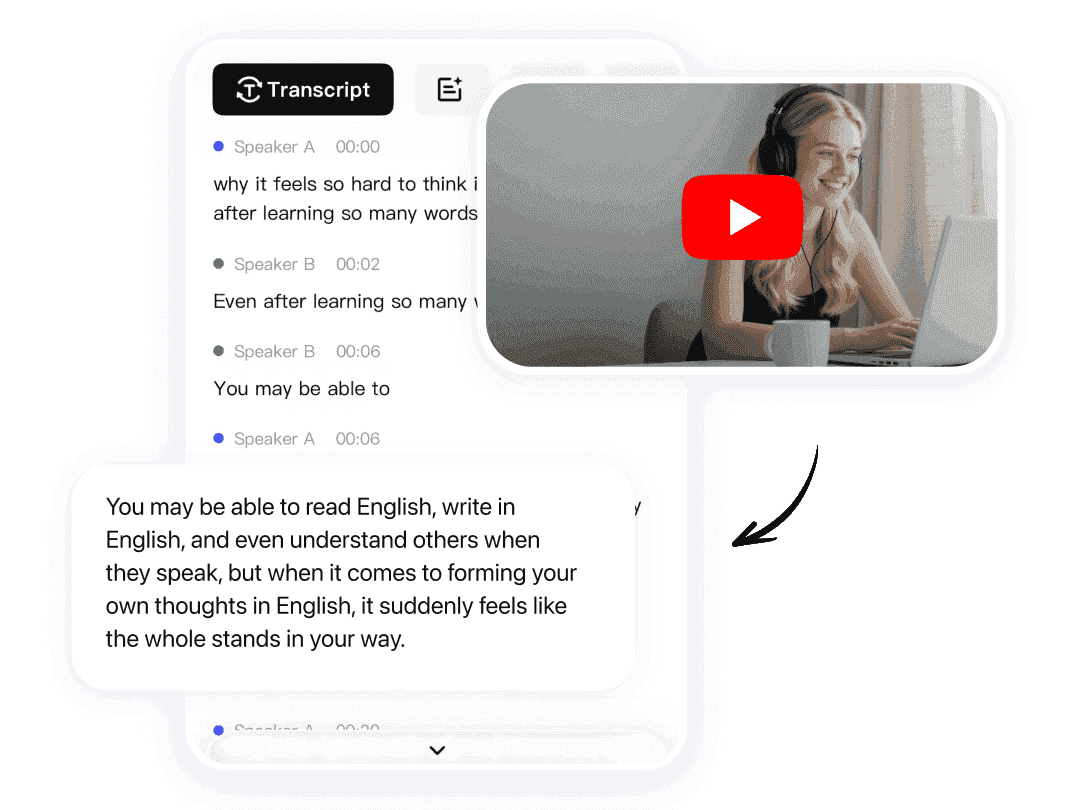
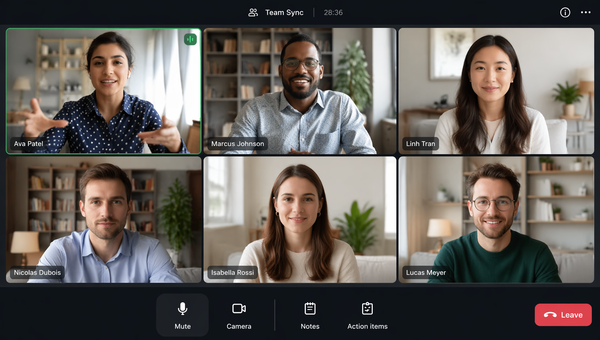
Watching long YouTube videos can be time-consuming, especially when you only need specific information quickly. That’s why more users are turning to AI transcription tools and built-in caption systems to create a searchable YouTube Video Transcript.
Whether you're a student, content creator, marketer, journalist, or researcher, transcripts make it easier to review videos, extract quotes, repurpose content, and improve accessibility.
In this guide, you’ll learn multiple ways to generate transcripts from YouTube videos, including built-in YouTube features, AI-powered transcription tools, and downloadable text workflows.
We’ll also cover:
- How to copy transcripts
- How to download captions
- Why some transcripts are unavailable
- The best AI tools for video transcription
- Mobile methods for iPhone users
Why YouTube Transcripts Matter
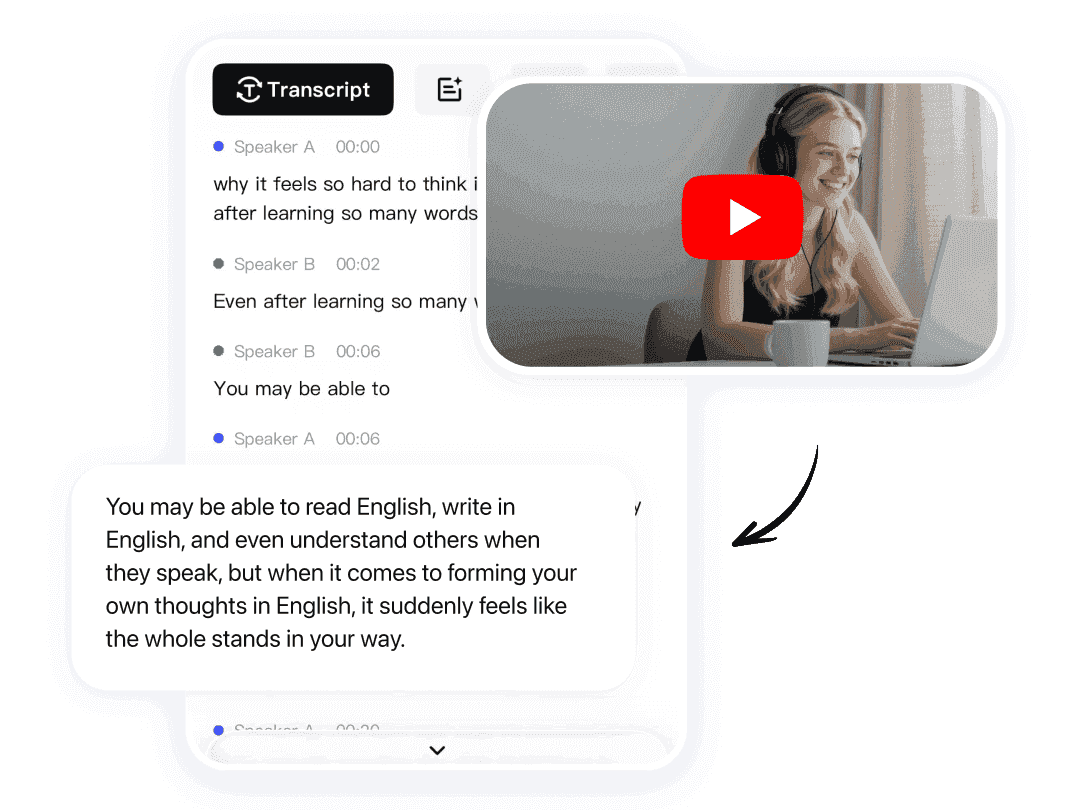
A well-structured YouTube Video Transcript can dramatically improve productivity and accessibility.
Instead of rewatching long videos repeatedly, users can instantly search text, extract key insights, and organize information faster.
Common Uses for Video Transcripts
| Use Case | Benefits |
|---|---|
| Studying lectures | Faster review and note-taking |
| Content creation | Repurpose videos into blogs or posts |
| Research | Search specific quotes or topics |
| SEO optimization | Improve discoverability |
| Accessibility | Support hearing-impaired audiences |
| Team collaboration | Share searchable information |
Many professionals now use AI transcription tools to convert a youtube video to text automatically for research, content marketing, and productivity workflows.
How to Get a Transcript From a YouTube Video
YouTube already includes a built-in transcript feature for many videos.
If captions are enabled, you can usually access the transcript directly from the video page.
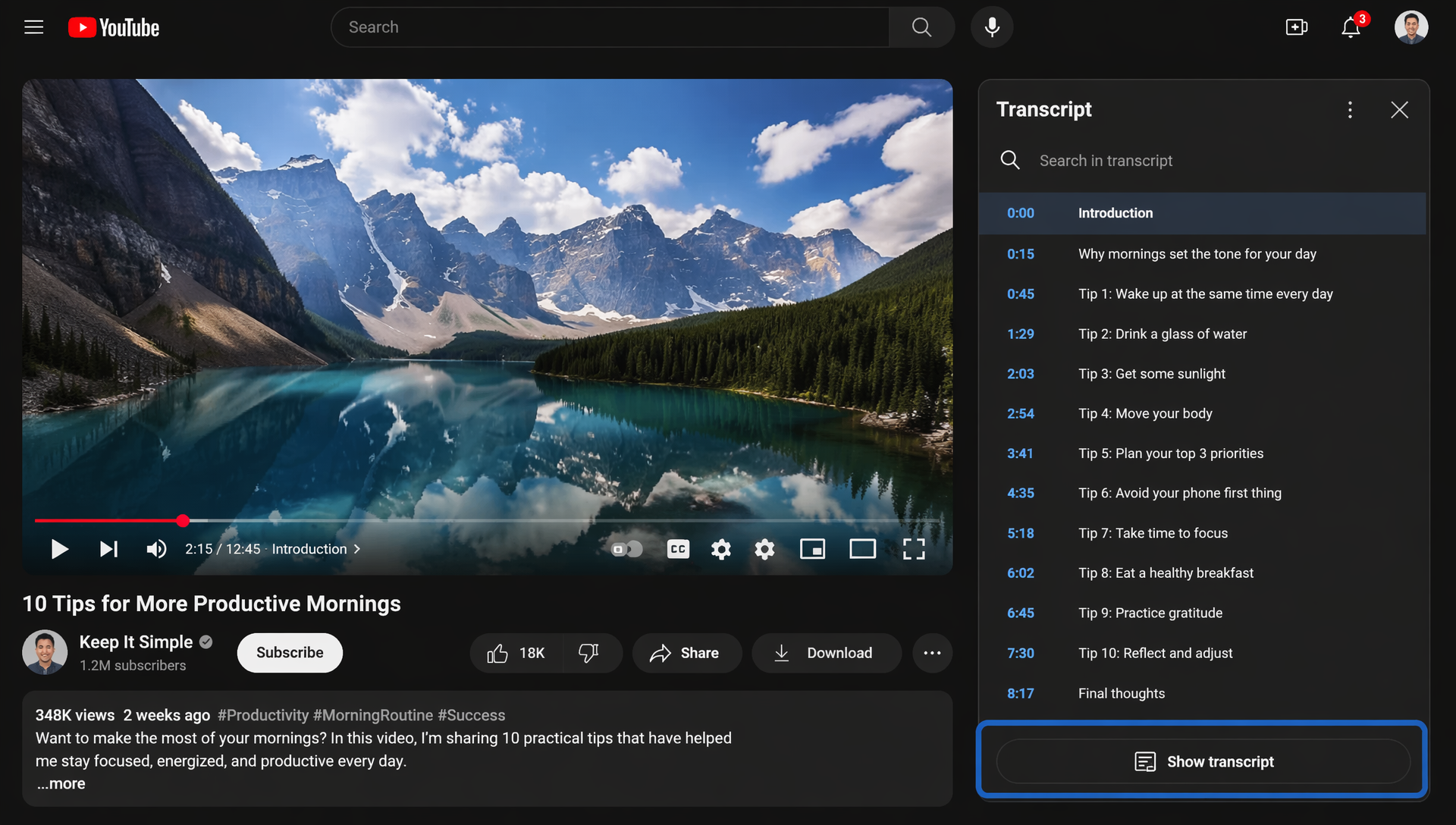
Desktop Method
- Open the YouTube video
- Click the three-dot menu below the video
- Select Show Transcript
- The transcript panel will appear beside the video
- Scroll through timestamps or search manually
This is the easiest way for users wondering how to get a transcript of a youtube video without using third-party software.
Mobile Method
Many users also ask how to get youtube transcript on iphone.
On iPhone, the transcript feature depends on:
- Whether captions are available
- The YouTube app version
- The video creator’s settings
In most cases:
- Open the video in Safari or Chrome
- Request the desktop version of the site
- Tap the three-dot menu
- Select transcript view if available
Alternatively, AI transcription apps can generate transcripts directly from video links.
How to Copy a YouTube Transcript
Once the transcript appears, copying the text is simple.
Manual Copy Method
| Step | Action |
|---|---|
| 1 | Open transcript panel |
| 2 | Highlight transcript text |
| 3 | Copy using keyboard shortcuts |
| 4 | Paste into Notes, Docs, or AI tools |
Some transcripts include timestamps. If you want clean text only:
- Paste into a text editor
- Remove timestamps manually
- Use AI cleanup tools
This process works well for creating a quick transcript from youtube video for personal notes or research.
Using AI Cleanup Tools
Modern AI platforms can:
- Remove timestamps automatically
- Organize paragraphs
- Summarize content
- Extract action items
- Generate structured notes
Some AI productivity platforms even combine transcription with summarization and searchable knowledge management.
How to Download YouTube Video Transcripts
Downloading transcripts can help with offline reading, research, and content repurposing.
Common Download Methods
| Method | Best For |
|---|---|
| Manual copy & paste | Quick text extraction |
| Browser extensions | Faster workflow |
| AI transcription tools | Clean formatting |
| Subtitle download websites | Caption files |
| Chrome transcript tools | Bulk usage |
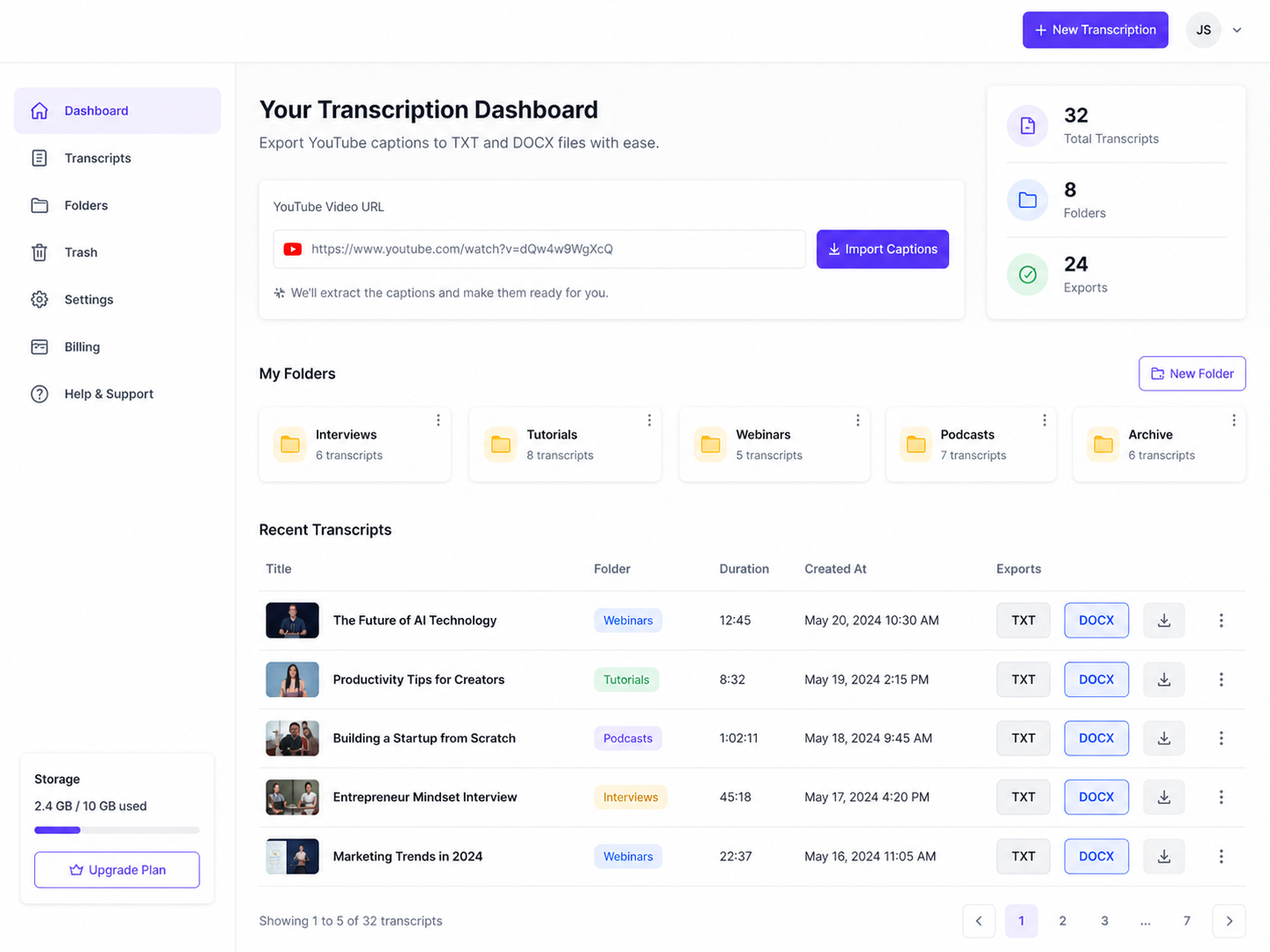
Some platforms act as a complete YouTube transcript extractor, allowing users to export captions into TXT, DOCX, or subtitle formats.
Subtitle File Formats
The most common downloadable formats include:
- TXT
- SRT
- VTT
- DOCX
SRT and VTT files are especially useful for creators editing subtitles or repurposing videos into short-form content.
How to Convert YouTube Videos to Text
Many users want more than captions — they want organized and readable text documents.
This is where AI transcription tools become useful.
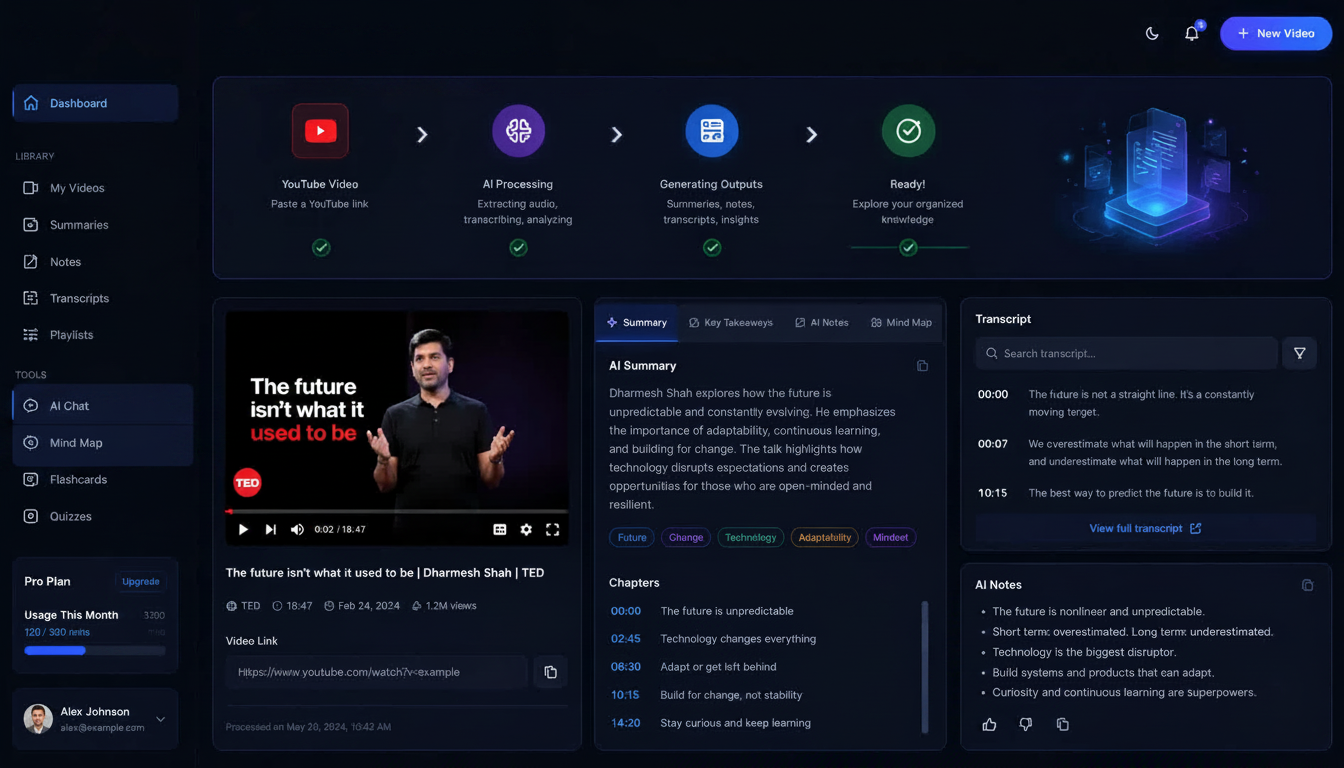
Instead of copying subtitles manually, AI systems can:
- Extract speech automatically
- Detect speakers
- Organize paragraphs
- Summarize discussions
- Highlight key points
Modern tools make it possible to transform long recordings into structured notes within seconds.
AI Workflow for Video-to-Text Conversion
| Step | Workflow |
|---|---|
| Upload video link | Paste YouTube URL |
| AI transcription | Convert speech into text |
| AI cleanup | Remove filler words |
| Summarization | Generate concise notes |
| Export | Save transcript files |
This workflow is increasingly popular among creators, educators, and marketers handling large amounts of video content.
Many users searching for a youtube video transcript generator free are specifically looking for tools that automate this entire process.
Best AI YouTube Transcript Generators
AI transcription software has improved dramatically in recent years.
The best tools now combine:
- Fast transcription
- Accurate captions
- AI summaries
- Searchable notes
- Export support
Comparison Table
| Tool | Best For | Free Plan | AI Summaries | Export Support |
|---|---|---|---|---|
| HiNoter | Productivity & organization | Yes | Excellent | Yes |
| Otter.ai | Live transcription | Yes | Good | Yes |
| Descript | Creators & podcasts | Yes | Excellent | Yes |
| Notta | Multilingual workflows | Yes | Very Good | Yes |
| Fireflies.ai | Team collaboration | Yes | Excellent | Yes |
What Makes a Good Transcript Tool?
Look for these features:
- High transcription accuracy
- Fast processing speed
- Multiple export formats
- AI-generated summaries
- Speaker recognition
- Cloud storage
- Multi-language support
HiNoter
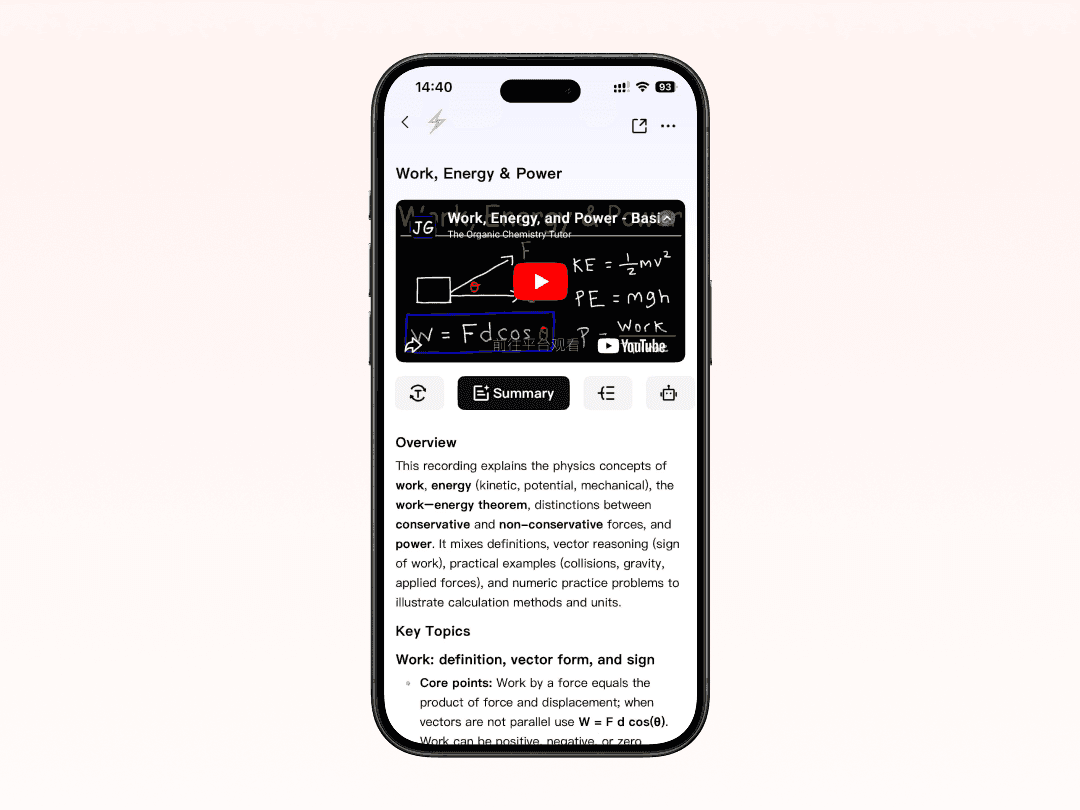
HiNoter combines advanced AI transcription technology with intelligent organization features, making it an excellent solution for users who regularly work with long-form audio and video content. Whether you are processing YouTube videos, webinars, online courses, interviews, podcasts, or recorded meetings, HiNoter helps transform raw recordings into structured, searchable knowledge within minutes.
Unlike basic transcription tools that only generate plain text, HiNoter focuses on improving productivity after transcription. The platform automatically organizes information into clean notes, summaries, highlights, and actionable insights, helping users quickly review key points without replaying entire recordings.
Key Features
| Feature | Description |
|---|---|
| AI-Powered Transcription | Convert audio and video into accurate text automatically |
| Smart Summaries | Instantly generate concise summaries from long recordings |
| Searchable Transcript Archives | Quickly locate important information using keyword search |
| AI Note Generation | Organize transcripts into structured notes and highlights |
| Multi-Format Export | Export content as TXT, DOCX, PDF, and more |
| Speaker Recognition | Separate multiple speakers for clearer conversations |
| Cloud-Based Access | Access transcripts and notes anytime across devices |
HiNoter is especially useful for students, remote teams, researchers, content creators, and professionals who need to manage large amounts of spoken information efficiently. Instead of manually taking notes while watching videos or attending meetings, users can focus on the conversation while the AI handles transcription and organization in the background.
The platform also works particularly well for converting recorded lectures, webinars, interviews, and educational YouTube videos into well-structured documentation that is easy to review, edit, and share.
Why YouTube Transcripts Are Sometimes Missing
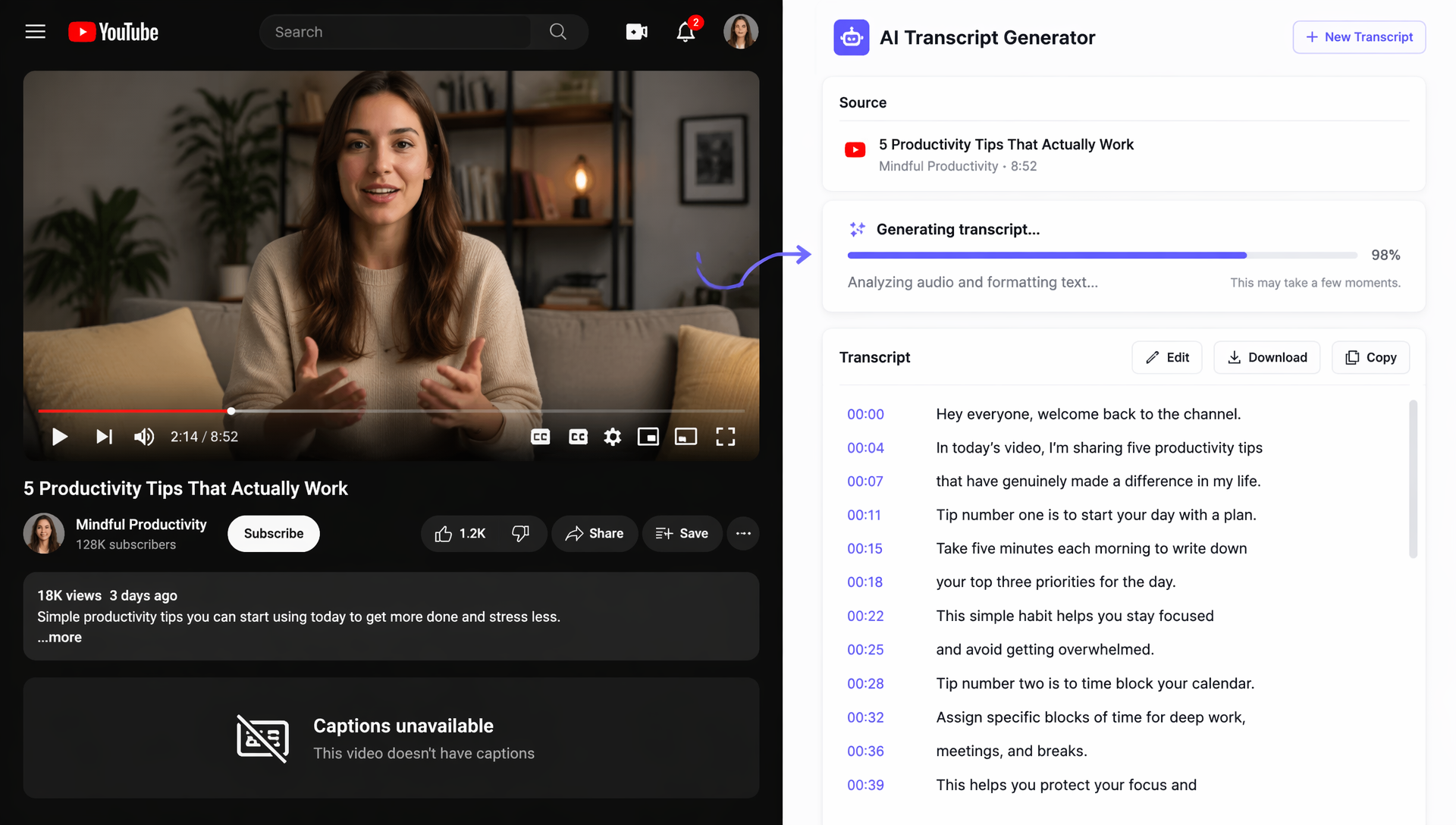
Sometimes users cannot generate a transcript from youtube video content because captions are unavailable.
This usually happens for several reasons.
Common Reasons
| Reason | Explanation |
|---|---|
| Captions disabled | Creator turned captions off |
| No speech detected | Music-only or silent videos |
| Unsupported language | Automatic captions unavailable |
| Live stream limitations | Transcript processing incomplete |
| Restricted content | Caption generation disabled |
How to Fix Missing Transcripts
You can try:
- Waiting for auto-captions to process
- Using third-party transcription tools
- Uploading the audio to an AI platform
- Searching for community subtitles
If transcripts are essential for your workflow, external AI transcription software is usually the most dependable solution.
In some cases, third-party AI tools can still generate transcripts even when YouTube captions are unavailable.
This is one reason AI transcription platforms continue growing in popularity.
FAQs About YouTube Video Transcripts
How to get a closed caption transcript on YouTube?
If captions are enabled:
- Open the YouTube video
- Click the three-dot menu
- Select “Show Transcript”
The transcript panel will appear beside the video player.
Can I download transcripts directly from YouTube?
YouTube itself does not officially support direct transcript downloads in TXT format.
However, users can:
- Copy transcripts manually
- Use browser extensions
- Use AI export tools
Are AI-generated transcripts accurate?
Modern AI transcription tools are highly accurate, especially for clear audio.
However, accuracy can still depend on:
- Audio quality
- Speaker accents
- Background noise
- Multiple speakers
Can AI summarize YouTube videos automatically?
Yes. Many AI platforms now generate summaries, highlights, and organized notes directly from video transcripts.
This is especially useful for webinars, educational content, and business presentations.
Can I use transcripts for SEO?
Yes. Transcripts help search engines understand video content more effectively.
Many creators also repurpose transcripts into:
- Blog posts
- Social media captions
- Email newsletters
- Knowledge base articles
Final Thoughts
AI transcription tools have completely changed how people interact with video content.
Instead of manually reviewing long recordings, users can now generate searchable transcripts, summaries, and structured notes within seconds.
Whether you're studying lectures, researching content, repurposing videos, or organizing team knowledge, a high-quality YouTube Video Transcript can dramatically improve efficiency.
As AI transcription technology continues improving, video content is becoming easier to search, summarize, organize, and reuse across nearly every workflow.